HTML For Beginners...
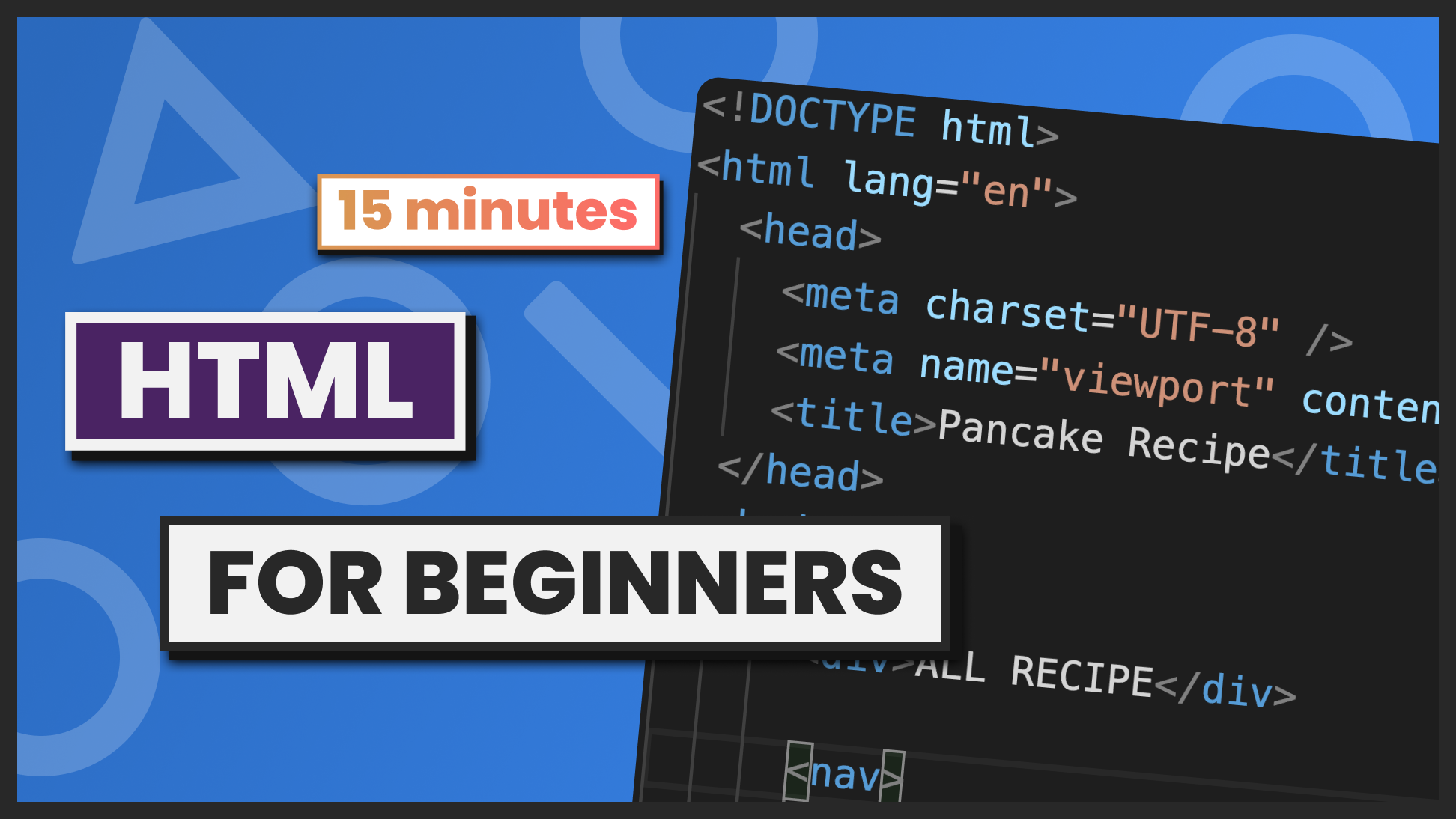
Hey all, I'm Pooja - a frontend web developer. Please like, share, and support...
Do Follow for More Content
keep reading... Thank You..!!
Some basic important terms of html..
Tags: HTML uses tags to define elements on a web page, such as headings, paragraphs, links, images, and lists. Tags are enclosed in angle brackets (< >) and include an opening tag and a closing tag.
Attributes: Attributes are used to provide additional information about HTML elements, such as the color of a font or the location of an image. Attributes are added to the opening tag of an element and are written in the format attribute="value".
Head: The head section of an HTML document includes metadata about the page, such as the title, description, and keywords. It also includes links to external files like CSS stylesheets and JavaScript files.
Body: The body section of an HTML document includes the content of the web page, such as text, images, videos, and other elements.
Links: Links are used to connect web pages together and allow users to navigate between them. They are created using the <a> tag and include an href attribute that specifies the URL of the page or file to be linked.
Images: Images are used to add visual elements to a web page. They are created using the <img> tag and include attributes like src, alt, and width to specify the source file, alternative text, and size of the image.
Lists: HTML supports ordered lists (<ol>) and unordered lists (<ul>) to create lists of items on a web page. List items are created using the <li> tag.
Forms: Forms are used to collect information from users on a web page, such as their name, email address, or feedback. Forms are created using the <form> tag and include input fields like text boxes, radio buttons, checkboxes, and submit buttons.
Understanding these key elements of HTML is essential for creating and editing web pages. By mastering these concepts, you can create professional-looking web pages that are both functional and visually appealing.


